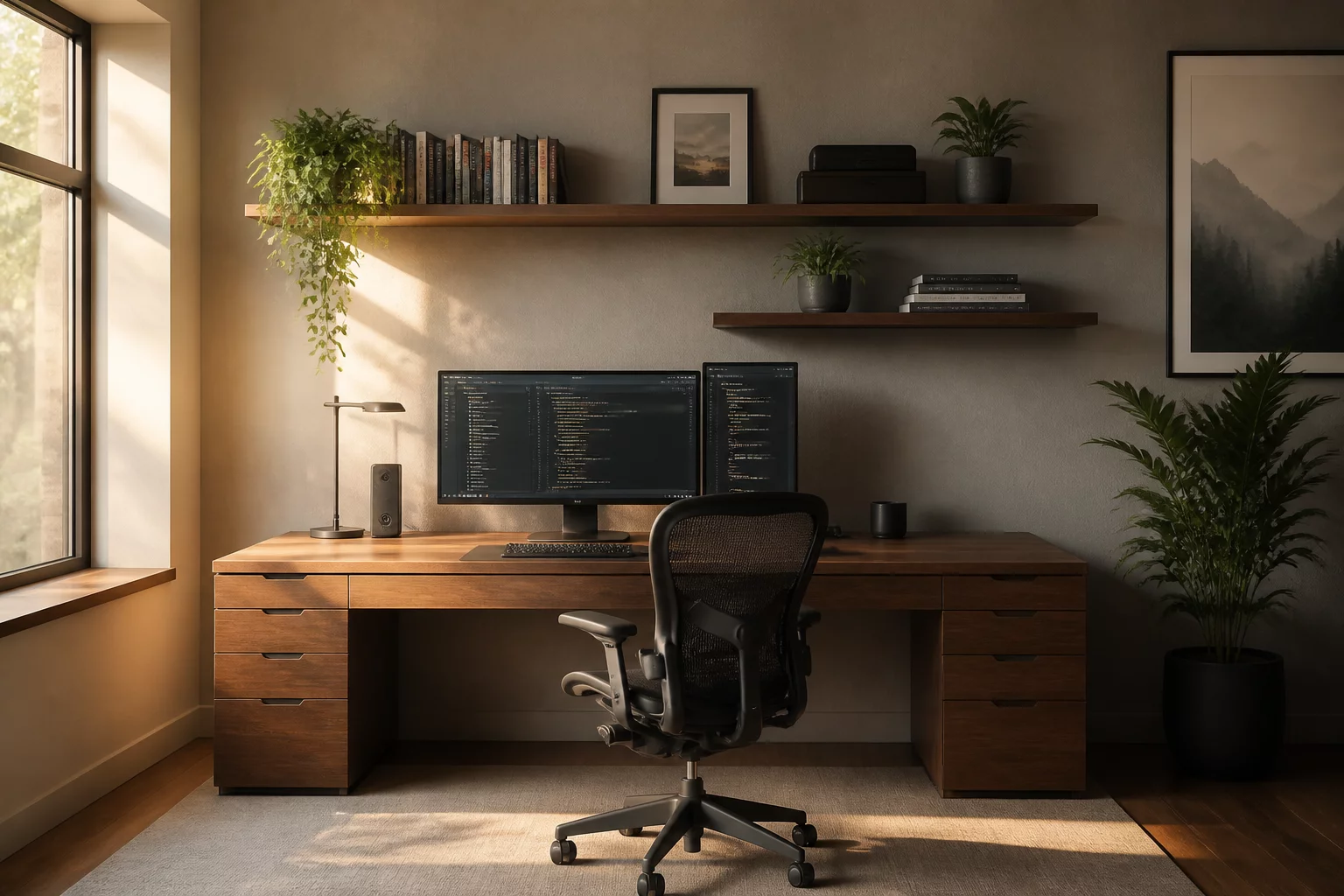
A thoughtfully structured home office setup does far more than hold a computer; it sets the psychological rhythm of your workday while preserving the cozy soul of your home.
The Foundations of an Ergonomic and Inviting Workspace
Building an inspiring home workspace starts with assessing your daily workflow and posture requirements. A sturdy desk with adequate surface depth allows your forearms to rest naturally at ninety degrees, while an adjustable task chair provides essential lumbar support throughout extended work sessions. Positioning your work surface perpendicular to natural light sources reduces harsh monitor glare without sacrificing the uplifting benefits of daylight. By anchoring the workspace with natural wood textures, soft neutral tones, and breathable textiles, you eliminate the sterile corporate atmosphere in favor of an environment where focus feels natural and effortless.
A workspace should never feel like an isolated corporate cubicle squeezed into a home; it must feel like a natural extension of your personal lifestyle.
— Emma Carter, Interior Architect
Essential Core Design Elements
Balancing technical utility with visual warmth requires disciplined curation. Every piece of equipment, from desk mat to task lighting, should serve a clear functional purpose while contributing to the overall tactile harmony of the room.
Tactile Materials & Warm Finishes
Opt for solid oak or walnut desks paired with wool felt desk pads, linen curtains, and matte graphite metal accents. These organic textures soften the harsh edges of electronic devices, cultivating a serene and grounding atmosphere.
Layered Task and Ambient Illumination
Combine a high-CRI directional desk lamp with warm diffused perimeter sconces. Avoid harsh direct downlights over monitors; balanced illumination minimizes eye fatigue during demanding screen-heavy tasks.
Spatial Flow & Visual Boundaries
Define your work area using a low-pile textured area rug and floating perimeter shelving. Keeping physical work equipment contained within dedicated spatial zones allows for a seamless psychological transition when signing off for the evening.
Strategic Organization and Cable Discipline
Visual clutter quickly turns into mental distraction. Concealing power adapters, monitor cables, and charging bricks beneath an under-desk management channel restores visual serenity to your workstation. Open floating shelves above the desk should host only a curated selection of reference books, ceramic vessels, and resilient indoor plants such as pothos or snake plants to breathe living vitality into the corner.
Golden Rules for Home Office Ergonomics
- Maintain monitor eye-level alignment: Position the top third of your display directly at eye height to alleviate cervical strain.
- Implement active lighting layers: Blend dimmable 3000K warm background lighting with targeted 4000K task lighting on writing surfaces.
- Establish strict cable management: Route all wiring through under-desk raceways to keep surface planes pristine and unobstructed.
Reader Reflections
0 ThoughtsNo comments yet. Be the first to share your thoughts and home office setup ideas!
Share Your Perspective